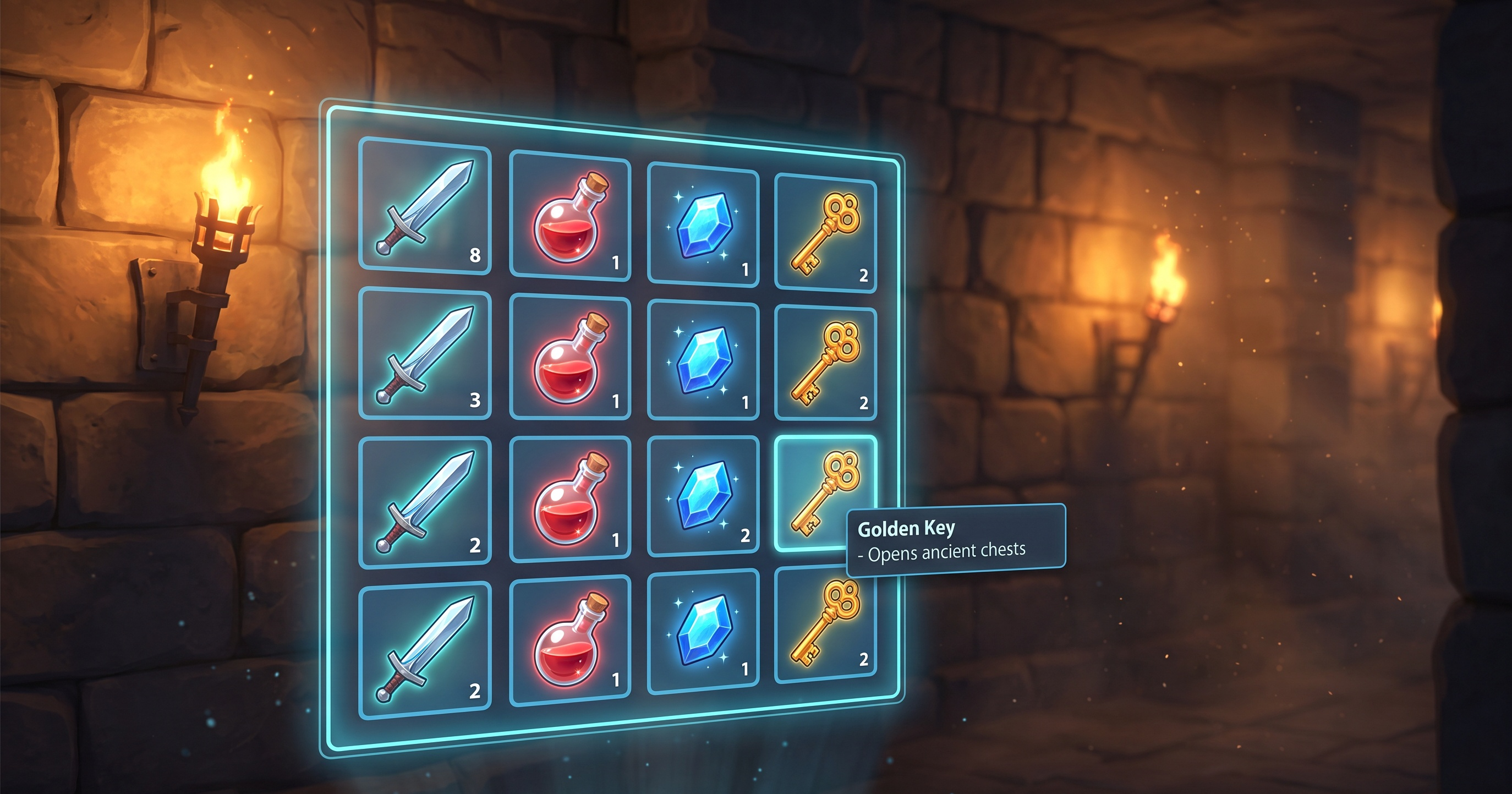
🎮 Inventory System in Godot 4
Want to implement an extensible inventory system for your RPG or survival game? Here's how we'd do it at Orange Ember Studios.
🎯 Why it works
A well-designed inventory turns resource management into a tactical decision. The key: clear information + fast interactions.
📦 Step by step
- Data structure — Inventory class with slot array. Check for stackable slot before creating new ones.
- UI with GridContainer — TextureRect per slot, bind changed signal to refresh automatically.
- Drag & Drop — connect gui_input, use Godot 4's native _start_drag() and _drop().
- Data as Resource — save ItemData as reusable .tres files.
✨ Result
A functional, modular, and easy-to-extend inventory. The blog has the complete code and a downloadable .tscn scene.
GDScript
#Godot4 #GDScript #GameDevTutorial #IndieDevTutorial #RPGDev #OrangeEmberStudios