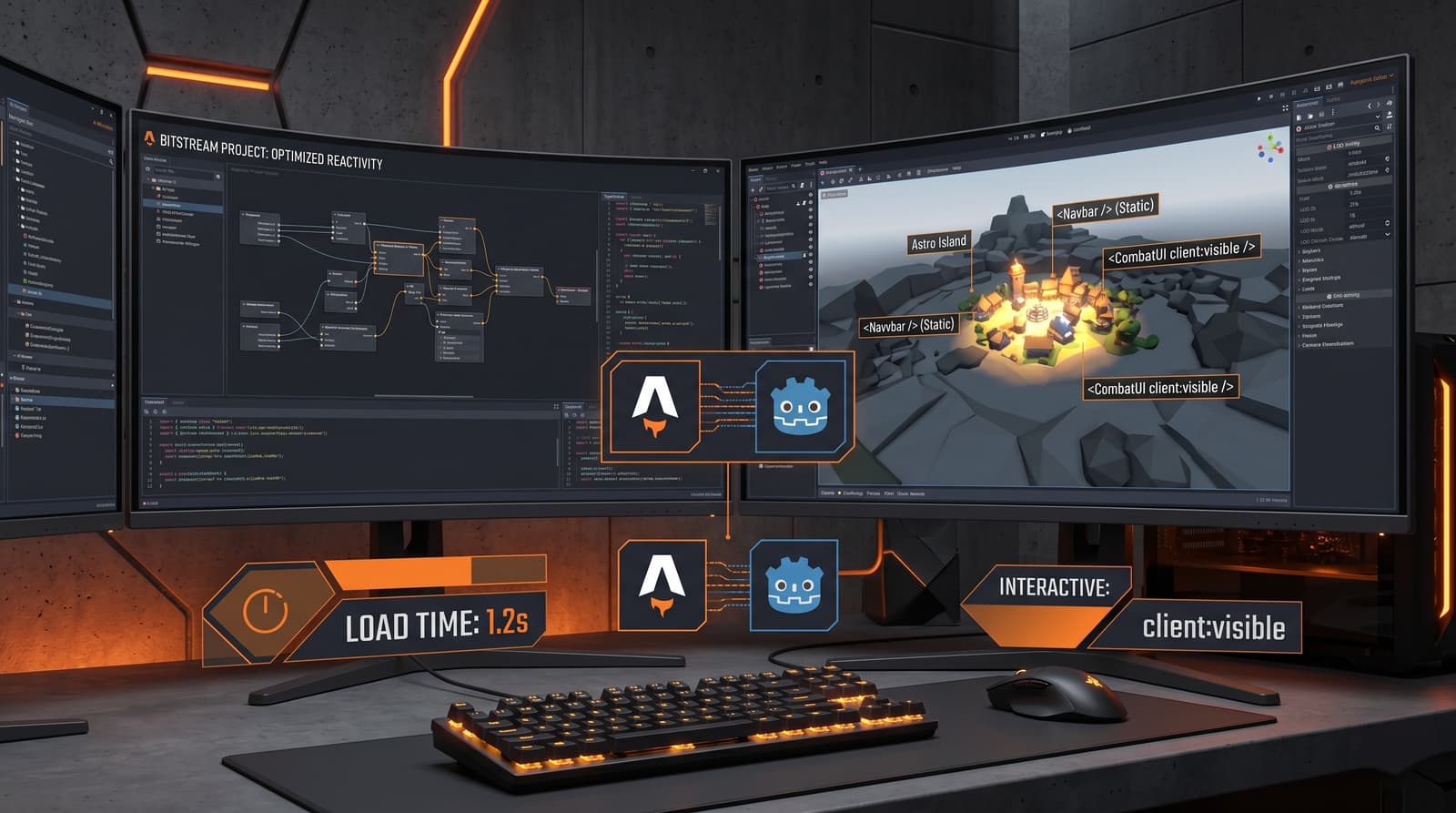
The Crisis of Web Bloatware and the Industrial Solution
In the current landscape of web development, the saturation of unnecessary JavaScript is the main bottleneck for user experience. Many projects render and execute megabytes of code on the client before the page is interactive, an inefficient approach reminiscent of long loading times on obsolete hardware. At Orange Ember Studios, while developing the BitStream platform, we faced this challenge. The solution was not writing less code, but executing it smarter.
Enter Astro and its fundamental architecture: Astro Islands. This methodology allows us to treat interactive components as isolated modules within an ocean of static, ultra-fast HTML.
The Concept of Islands: Selective Architecture
Most modern websites ship a "JavaScript monolith". Astro breaks this paradigm. By default, every component in Astro is rendered to static HTML at build time (or SSR) and sends no JavaScript to the client. If a component requires interactivity (like a Vue.js or Svelte framework), we must explicitly "activate" that interactivity using client directives.
This distinction is critical for performance. A static header or footer does not require JavaScript. An interactive combat panel or a real-time chat does.
Analogy with Video Games: Level of Detail (LOD)
For us in game development with Godot, this concept is intuitive: Level of Detail (LOD). You don't render the highest resolution geometric mesh for an object that is a kilometer away from the player. You only dedicate resources when they are perceptible and necessary. Astro Islands applies exactly this principle to the web.
Astro's directives control hydration (activating JavaScript on the client) based on specific triggers:
client:load: Hydrates the component immediately upon page load. Use this only for critical, 'above the fold' UI elements.client:visible: Hydrates the component only when it enters the user's viewport. Ideal for 'below the fold' or heavy elements, such as an inventory panel in BitStream.client:idle: Hydrates the component once the browser's main thread is idle, prioritizing the initial page load.
Technical Implementation and Useful Code
Below, we present a practical example that complements our recent YouTube Short. We show how to integrate a Vue 3 component (our stack choice) within an Astro layout, strategically using these directives to optimize performance.
The Vue Component (src/components/InteractiveInventory.vue)
This component simulates a complex inventory panel that requires full interactivity.
<script setup lang="ts">
import { ref } from 'vue';

const items = ref([
  { id: 1, name: 'Health Potion', quantity: 5 },
  { id: 2, name: 'Energy Shield', quantity: 1 },
]);
</script>

<template>
<div class="inventory-panel bg-grey-900 p-4 border border-ember-orange">
  <h3 class="text-ember-orange font-bold text-lg mb-2">Inventory</h3>
  <ul>
    <li v-for="item in items" :key="item.id" class="flex justify-between py-1">
      <span class="text-white">{{ item.name }}</span>
      <span class="text-ember-orange">x{{ item.quantity }}</span>
    </li>
  </ul>
</div>
</template>
The Astro Page (src/pages/index.astro)
This is where we orchestrate the loading of the "islands" around the static content.
---
import Layout from '../layouts/Layout.astro';
import InteractiveInventory from '../components/InteractiveInventory.vue';
---

<Layout title="BitStream - LOD Optimization with Astro">
  <main class="container mx-auto p-8">

    <header class="mb-8">
      <h1 class="text-4xl text-white font-mono">BitStream Control Panel</h1>
      <p class="text-grey-400">All content in this section is pure, static HTML.</p>
    </header>

    <section class="content-static mb-12 p-6 bg-grey-800 rounded">
      <p class="text-grey-300">This text block is static. Sends no JS.</p>
    </section>

    {/* ISLAND 1: Critical, load immediately */}
    <InteractiveInventory client:load />

    <section class="spacer h-screen">
      {/* Spacer to force scroll and test client:visible */}
    </section>

    {/* ISLAND 2: Non-critical, load only when visible */}
    <InteractiveInventory client:visible />

  </main>
</Layout>
This approach ensures the user experiences an instant initial load, while heavy interactivity is deferred and loaded efficiently, exactly like Level of Detail in a high-fidelity game engine.